
Troubleshooting the At-home Sperm TestUpdated a day ago
Product & Ingredients
We're committed to helping you every step of the way until you've tested successfully.
Make sure you've downloaded the latest version of the app. It should look like this and is called YO Home Sperm Test.
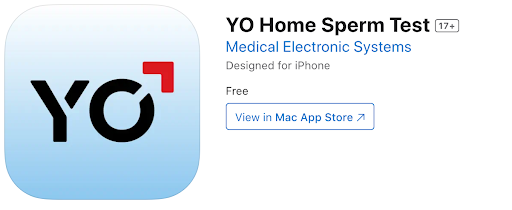
Before we dive into troubleshooting, check out this video on how to use our Sperm Test:
If you're having connection issues:
- Are you able to see the Yo2 device in your WiFi connection options? If so, connect to Yo2 manually.
- If you don't see the Yo2 option, try plugging the YO Testing Cube into a different power source.
- Make sure your device allows the connection to YO in your device settings under "YO Sperm Test WiFi."
- If your connection is lost mid-test, disconnect any other WiFi connections (including physical ethernet cables).
- Make sure all other apps and programs are closed on your device—only the YO app should be running.
- Try connecting to YO using a different phone, PC, or Mac.
If you're having issues filling the test slide:
- Swirl the sample often after adding the pink liquefaction powder.
- Make sure the sample is fully liquefied.
- If the sample doesn't liquify in 10 minutes, wait an additional 10 minutes.
- Place a drop of sample on the red dot, making sure it touches the opening of the slide coverslip.
- Make sure the slide is loaded "right side up."
- Make sure the triangle area of the test slide is filled completely.
Still having trouble after these steps? Email [email protected] and we can look into it further.